What 3forge is
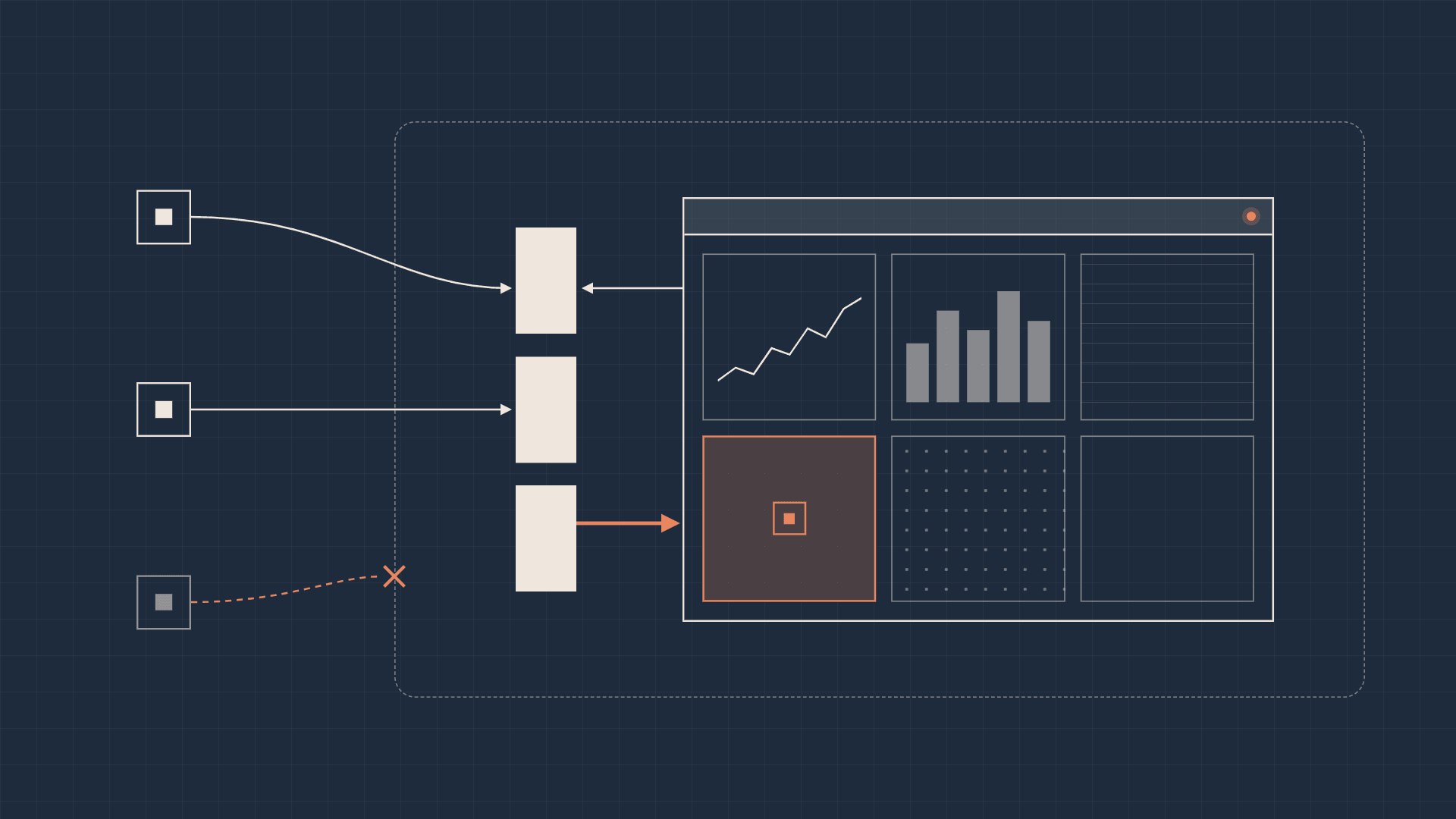
3forge is a platform for building high-performance enterprise applications across live trading, risk, operations, and reporting workflows. It ingests data from databases and streaming feeds, processes it in memory, and renders it through interactive dashboards—combining data access, application logic, and UI layout inside a single permissioned environment.
How people build and use applications
Developers build applications inside a browser-based dashboard editor. They connect data sources, use the Data Modeler to query and join datasets, and assemble layouts from tables, charts, and forms. A data model defines the underlying data feeding a visualization, while AMIScript—the platform's scripting language—handles calculations, event routing, and custom behavior.
Development happens directly against the live application: engineers test queries, inspect results, and tweak components or scripts in real time. Business users then rely on those dashboards to monitor live data, investigate exceptions, and execute workflows. This tight feedback loop became our blueprint for deciding what an AI agent needed to see and control.
Teaching AI how to work with 3forge
Initially, we focused on teaching models how 3forge worked by supplying prompt context and structural examples. When Claude Opus 4.6 launched, we provided JSON schemas and asked it to generate offline application files containing AMIScript and dashboard layouts. Because most platform configurations at the time initialized only at startup, generating static artifacts offline matched the product's existing lifecycle.
The limitations showed up quickly. Validating any generated artifact required a full application restart, much like a slow edit-compile-run loop where building and verifying are separate phases. Because restarting the platform to test every tweak ate significant time, we were forced to ask the model to one-shot entire applications in a single pass. Monolithic configuration files were slow and token-expensive to generate, and a single syntax or schema mistake meant another expensive repair-and-restart cycle. We were spending effort teaching the model to guess the platform's state offline, while the running system already held the ground truth needed to validate its work.
A native MCP server as the agent interface
We exposed platform operations through a native MCP server, allowing agents to discover the runtime environment, query data, and mutate applications through structured tool calls. Every operation returns immediate platform feedback, giving the agent a concrete, grounded basis for its next step.
Making configuration available at runtime
Serving interactive tools required changing the product's lifecycle. Many features assumed configuration was loaded once at startup. To eliminate the full-application restart bottleneck, we reworked core subsystems to support runtime reconfiguration and targeted component restarts. Instead of rebooting the entire platform to verify a change, tools could now apply small, incremental mutations and hot-reload only the affected components—turning a slow batch cycle into an interactive development loop.
Live schema as context
Because much of 3forge's schema and application state lives in memory or binary storage, an agent cannot understand the environment just by reading source files on disk. Exposing structured inspection tools let agents query live runtime state on demand. Pulling context directly from the running system eliminated the drift of maintaining parallel static schema descriptions, though tool contracts and application migrations still required strict version management.
Validation against the actual database
We wired tool execution directly to runtime validation against the in-memory database. Instead of asking a model to critique its own output against static examples, the platform validates every operation against the live environment. Invalid inputs are rejected outright, before anything is applied, and the agent receives concrete error feedback.
Runtime validation has a clear boundary: an operation that passes validation against the live schema can still express the wrong business intent. To cover that gap, we added unit testing to the database, so business logic can be tested against expected results rather than only checked for structure. Live validation catches structural errors early; database unit tests and human review establish whether the logic is right.
A control plane for application development
Moving to a tool-based architecture extended agent interaction from simple data queries to the platform's control plane. While tool calls still pass structured JSON arguments, the key shift was moving from monolithic one-shot generation to incremental execution. Asking a model to synthesize an entire platform representation in one pass invites compounding errors; giving it scoped, stateful operations lets the agent build, validate, and course-correct step by step against the live environment.
A typical sequence looks like this: the agent inspects the live schema to find the tables it needs, then proposes a data model. If a column name is wrong, the call is rejected with the exact error, the agent corrects it, and the model is applied. The next call adds a table bound to that model, hot-reloading only that component. Each step is small, checked, and visible before the next begins.
- Generate the whole application file
- Restart the platform
- Find an error
- Inspect live state
- Propose one scoped change
- Validate against the runtime
- Apply and hot-reload the affected component
Making the platform easier to inspect
Improving agent ergonomics also improved the human developer experience. I replaced generic failure messages with targeted diagnostic errors and added inspection endpoints that expose dashboard hierarchies directly—allowing agents to understand layout state without taking screenshots or parsing pixels. When an operation fails, the agent can query the system for exact structural context rather than guessing from the UI.
Chart templates with four inputs
Creating a complex visualization like a candlestick chart previously required coordinating ten or more sequential configuration steps. I spearheaded a charting template system that abstracted this setup into a single declarative template requiring just four core inputs, leaving styling adjustments for follow-up calls. Encapsulating that setup reduced multi-step coordination failures for agents and streamlined dashboard creation for human developers.
Debugging inside the database
Previously, script debugging was limited to the frontend. I extended our debugging layer into the in-memory database, allowing agents (and developers) to inspect database-level timers and triggers. Combined with schema inspection and validation feedback, database debugging gave agents visibility from the dashboard down to the database when diagnosing application behavior.
Queries within the entitlement system
In an enterprise environment, permission to invoke an AI assistant and permission to access underlying data are separate concerns. Because governance is foundational to 3forge, we routed all agent queries directly through our runtime entitlements engine and query planner. Authorization stays strictly in the execution path—the model never becomes the authority on what data a user is allowed to see.
The same principle governs the control plane. A tool schema defines what the platform can do; it does not decide what a session may do. Every agent action must be allowed by both the requesting user's own entitlements and the permissions granted to the AI tooling, so the stricter of the two always applies and an agent can never reach further than the user it acts for. Separating capability exposure from runtime authorization kept authorization decisions in deterministic platform code rather than in the model.
What changed
- Restart-free iteration. Hot-reloadable configuration and targeted component restarts replaced full-application restarts, so agents and developers apply and check changes against a running system.
- Context from the live system. Inspection tools expose in-memory schema, application state, and dashboard hierarchies on demand, replacing static schema descriptions that drift.
- Checked changes. Every tool validates its inputs against the live runtime and rejects invalid calls with targeted errors, while database unit tests cover business logic.
- Simpler building blocks. A four-input declarative template replaced a candlestick chart setup that took ten or more configuration steps.
- Debugging below the dashboard. Debugging extended from frontend scripts into database timers and triggers.
- Entitlement-enforced execution. Agent queries and operations run through the entitlements engine and query planner, limited by both the user's entitlements and the AI tooling's permissions.
What I took from the work
Building AI tooling for 3forge shifted how I think about platform readiness. Moving from brittle one-shot offline generation to an interactive MCP control plane required eliminating restart bottlenecks, making hidden runtime state inspectable, returning actionable error diagnostics, and collapsing complex multi-step workflows into single declarative templates.
Every improvement we made for agents directly benefited human engineers. Rather than bolting a thin prompt layer onto an existing product, effective enterprise AI tooling means co-designing the agent interface, the runtime lifecycle, and the developer tools—letting the model work in tight, incremental loops while the platform supplies live state, validates operations, and enforces access at execution time.